Network drops
Hardwired Ethernet locations for desks, televisions, access points, cameras and equipment rooms.
 FRANCISCO PAULINO
Cat6 · Network infrastructure · Cameras · Connected power
Cat6 cabling, Ubiquiti / UniFi system installations and organized network infrastructure for homes, home labs, offices and retail—plus power planning for routers, switches, servers and cameras.
Connected infrastructure
Wireless devices still depend on wires somewhere. FPE helps plan the physical network and the electrical supply behind it.
Hardwired Ethernet locations for desks, televisions, access points, cameras and equipment rooms.
Cat6 pathways to ceiling or wall locations where wired access points can improve coverage.
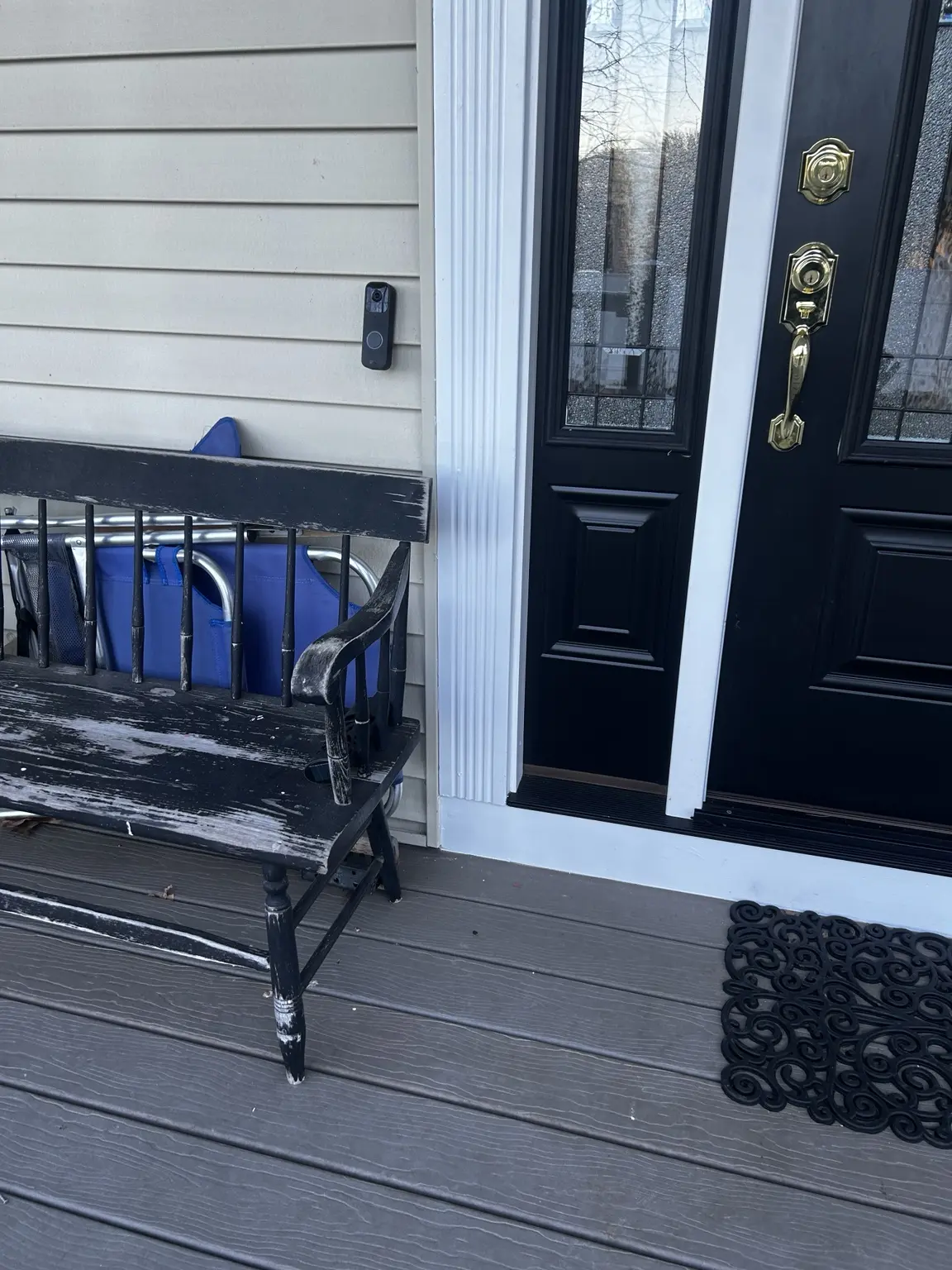
Low-voltage runs for compatible PoE cameras, video doorbells and network-connected devices.
Cable routes, patch-panel organization and electrical coordination for racks, servers and network equipment.
Data drops and organized pathways for workstations, phones, access points, cameras and back-office equipment.
Dedicated circuits, surge protection, UPS connections and backup-power priorities for critical network equipment.
A connected property
Good planning begins at the internet entry and equipment location, then maps every wired device, access point and camera. Labels, service loops and an organized rack make future troubleshooting and expansion easier.
Map my project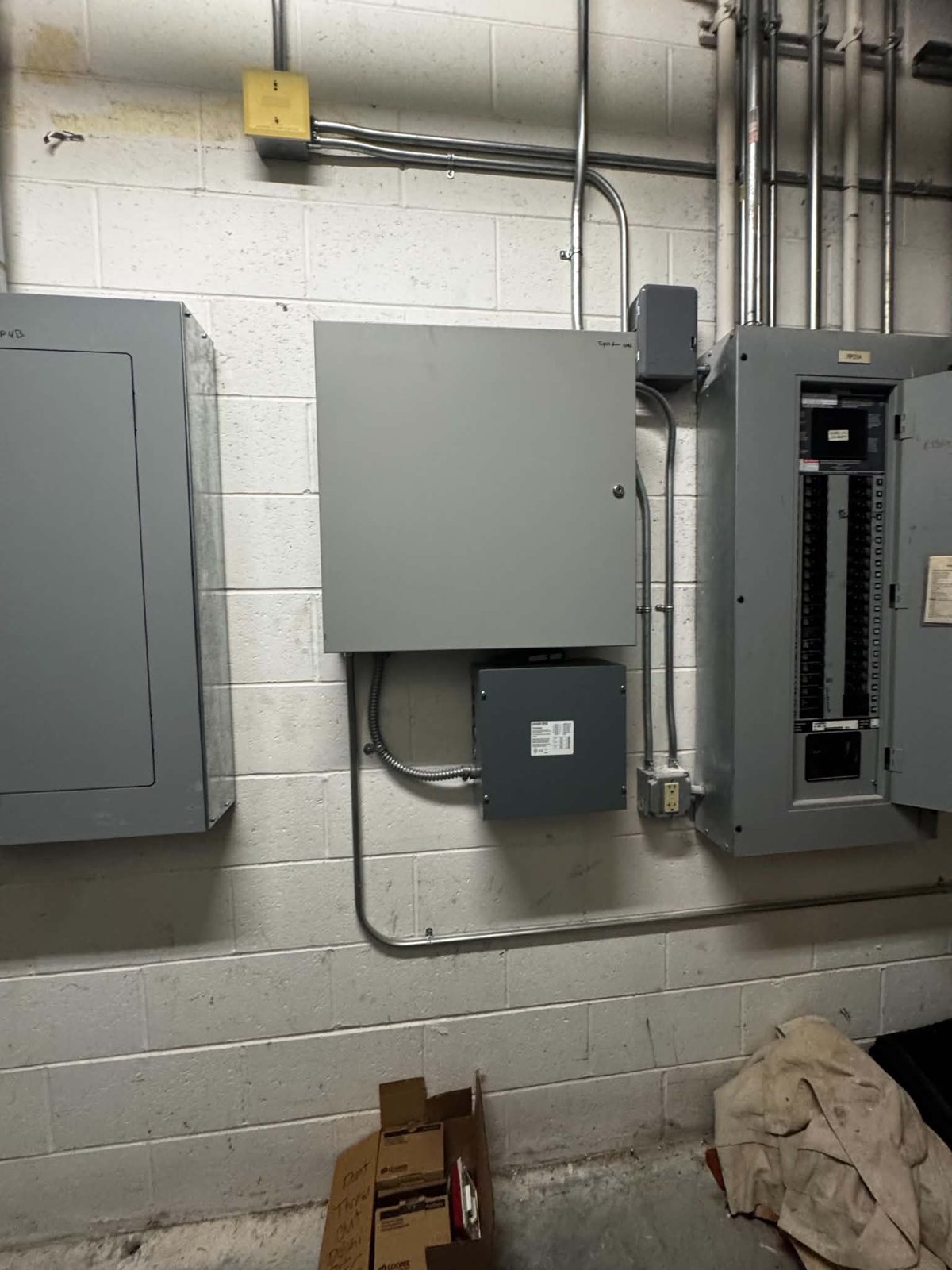
Home labs & serious home networks
A home lab, NAS, camera recorder or server rack needs more than an extension cord and loose patch cables.
Businesses & managed properties
For offices, retail spaces, rentals and property portfolios, clean cabling and clear labels reduce confusion when equipment changes or a service call is needed. FPE can coordinate data pathways with lighting, dedicated circuits, smart access and electrical upgrades.
Keep the network running
A network can be wired perfectly and still go dark when its power is overlooked.
Internet equipment, cameras, access control, phones, alarms, servers or selected workstations.
Review circuits, receptacles, surge protection and compatible UPS equipment for the critical devices.
Decide which network loads should be included in generator, battery or broader outage planning.
See how it fits together
A simplified network concept for a home office, rental property or business.
 Internet & routerConnection and routingSwitch & cablingData distribution
 Access pointsWireless coverage
 CamerasCompatible data and power
 WorkstationsReliable wired connections
Concept only. Device compatibility, PoE capacity, cable routing and dedicated power are reviewed for the property.
Common questions
Send a floor plan or room list, desired device locations and photos of the proposed rack, router and cable routes.
Start a project requestEach question has an answer. Tap or click a question to open it; select it again to close.
Often yes. The route depends on the construction, wall and ceiling access, number of drops and where the network equipment will live. Finished spaces may require different routing options than open framing.
We can discuss low-voltage pathways for compatible PoE cameras and doorbells. Tell us the camera count, locations, recorder or switch location and equipment models. Monitoring or alarm-service scope is confirmed separately.
We can plan and install the Cat6 cabling and electrical infrastructure for wired access points. Final network configuration and equipment commissioning depend on the selected equipment and project scope.
We can plan the electrical side: circuits, surge protection, UPS connections and which network loads should be prioritized for generator or other backup power. Runtime depends on the equipment and backup source.
Yes. FPE can discuss data drops, access-point and camera cabling, network-room power, tenant improvements and coordination with your IT provider for offices, retail and managed properties.
Build it clean from the start
Ubiquiti · UniFi · Connected spaces
Bring your Wi-Fi, wired connections and network equipment together with Ubiquiti / UniFi system planning, installation and setup for homes, offices and small businesses.
Access-point placement and mounting, Cat6 runs, network drops, switches and gateway installation. We review your layout, coverage goals and existing internet equipment before selecting the setup.
Organized network racks, patch panels, cable labeling and connections for servers, NAS storage and compatible PoE cameras. Discuss UniFi camera installation, recording needs, power and UPS backup as part of the project.
New systems, additions or cleanup of an existing installation. Equipment compatibility, configuration, testing and owner handoff are agreed in the scope; business networks can be coordinated with your IT provider.
For an estimate, send your property type, areas with weak Wi-Fi, number of wired connections or cameras, equipment models and photos of the current rack or router area. Keep passwords and account credentials out of the request form.